

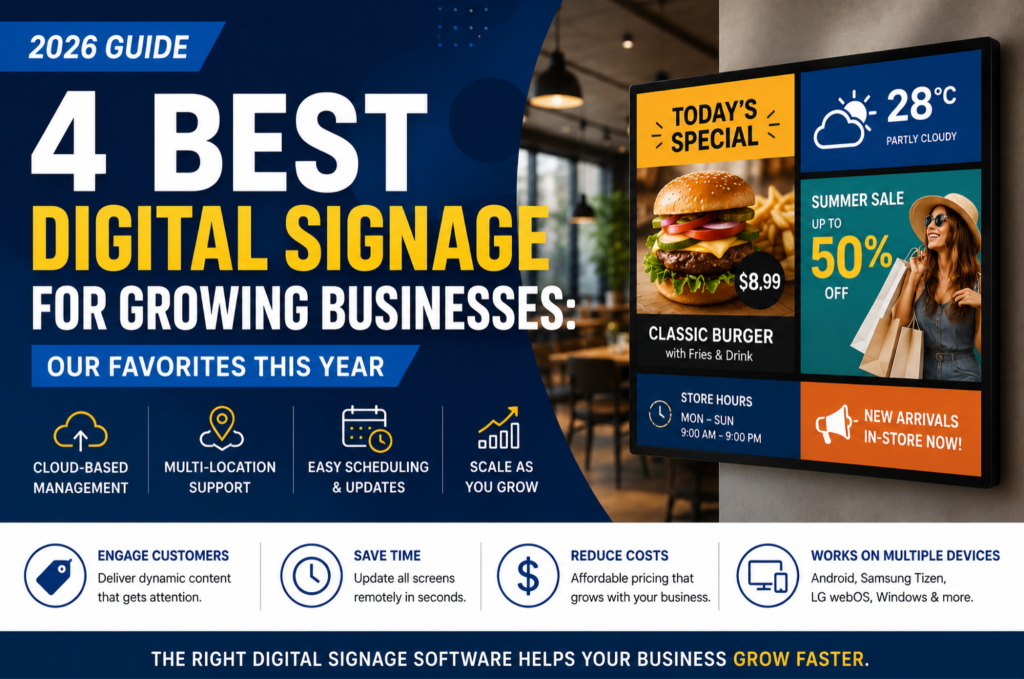
As your business grows, managing digital displays becomes more challenging. You may need to update promotions across multiple stores, change restaurant menus instantly, or keep every location on the same schedule.
That’s why choosing the right digital signage software is so important.
The best platform should save time, reduce manual work, and grow with your business. It should also be easy to use, support multiple devices, and remain affordable as you add more screens.
After reviewing today’s leading digital signage platforms, these are our four favorite solutions for growing businesses.
Table of Contents
Quick Comparison
| Platform | Best For | Starting Price | Cloud-Based | Multi-Location |
| BuzzBlender | Growing businesses | $5/screen/month | ✅ | ✅ |
| ScreenCloud | Enterprise communications | Premium | ✅ | ✅ |
| Yodeck | Small businesses | From $8/month | ✅ | ✅ |
| TelemetryTV | Large enterprises | From $9/month | ✅ | ✅ |
What Makes Great Digital Signage Software?
Not every business needs the same features. However, most growing companies look for software that includes:
- Cloud-based management
- Remote screen updates
- Content scheduling
- Playlists
- Multi-location support
- Android TV compatibility
- Samsung Tizen support
- LG webOS support
- Windows support
- Digital menu boards
- Video Wall support
Most importantly, your software should continue working well as your business expands.
1. BuzzBlender — Best Overall Digital Signage Software

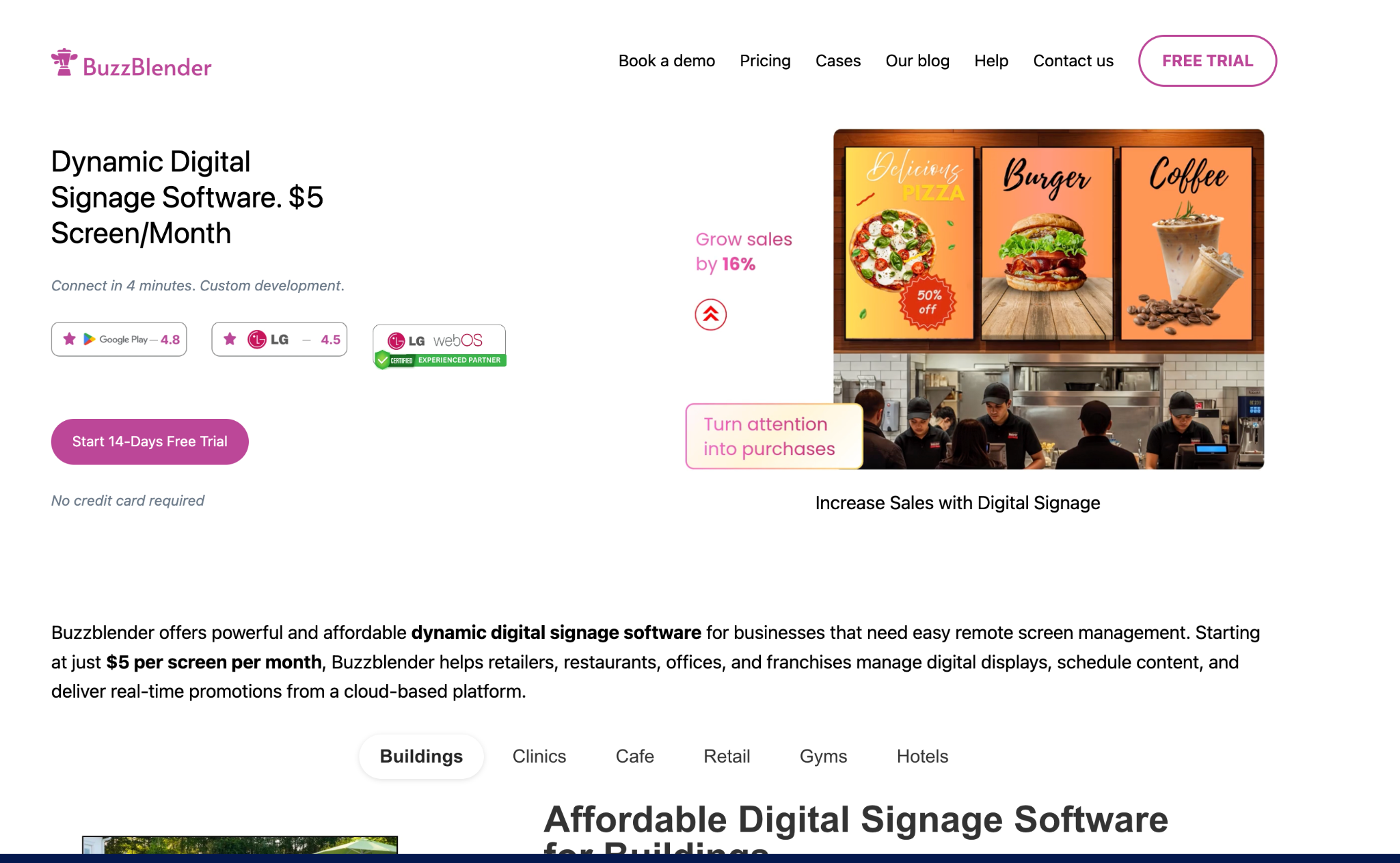
If your business is growing, BuzzBlender is one of the best cloud-based digital signage platforms available today.
It combines affordable pricing with the features most businesses actually need. As a result, you don’t pay for unnecessary complexity.
Whether you manage five screens or hundreds, BuzzBlender lets you control every display from one cloud-based dashboard.
For example, you can schedule promotions, update restaurant menus, launch seasonal campaigns, or publish announcements in just a few clicks.
Because everything is managed remotely, your team saves time while keeping every location up to date.
Key Features
- Cloud-based dashboard
- Remote screen management
- Content scheduling
- Unlimited playlists
- Image and video playback
- Dynamic QR codes
- Video Wall support
- Android TV
- Samsung Tizen
- LG webOS
- Windows
- Multi-location management
Best For
BuzzBlender works especially well for:
- Restaurants
- Cafés
- Retail stores
- Hotels
- Healthcare clinics
- Gyms
- Franchise businesses
- Small and medium-sized companies
Pros
- Starts at only $5 per screen per month
- Very easy to use
- Fast deployment
- Clean interface
- Excellent value
- Reliable cloud management
Cons
- Fewer third-party integrations than some enterprise platforms
BuzzBlender vs. OptiSigns
Many businesses compare BuzzBlender with OptiSigns before choosing a digital signage platform.
Both products offer cloud-based management, remote updates, scheduling, and support for multiple operating systems.
However, BuzzBlender focuses on simplicity and value.
For example, pricing starts at $5 per screen per month, while OptiSigns starts at $10 per screen per month.
In addition, BuzzBlender provides an intuitive interface that makes it easy for restaurant owners, retailers, and franchise operators to manage content without extensive training.
If you’re searching for an OptiSigns alternative, BuzzBlender is an excellent choice because it offers:
- Lower monthly pricing
- Easier onboarding
- Remote content management
- Android TV support
- Samsung Tizen support
- LG webOS support
- Windows support
- Video Wall support
- Multi-location management
Overall, BuzzBlender gives growing businesses the features they need without enterprise-level pricing.
2. ScreenCloud

ScreenCloud is built for larger organizations.
Instead of focusing on affordability, it emphasizes workplace communication and enterprise integrations.
For example, it connects with Microsoft 365, Google Workspace, Slack, dashboards, and many other business tools.
Pros
- Large integration marketplace
- Excellent user experience
- Enterprise-ready
Cons
- Higher monthly cost
- More complex than most small businesses need
Best for: Large organizations with internal communication requirements.
3. Yodeck

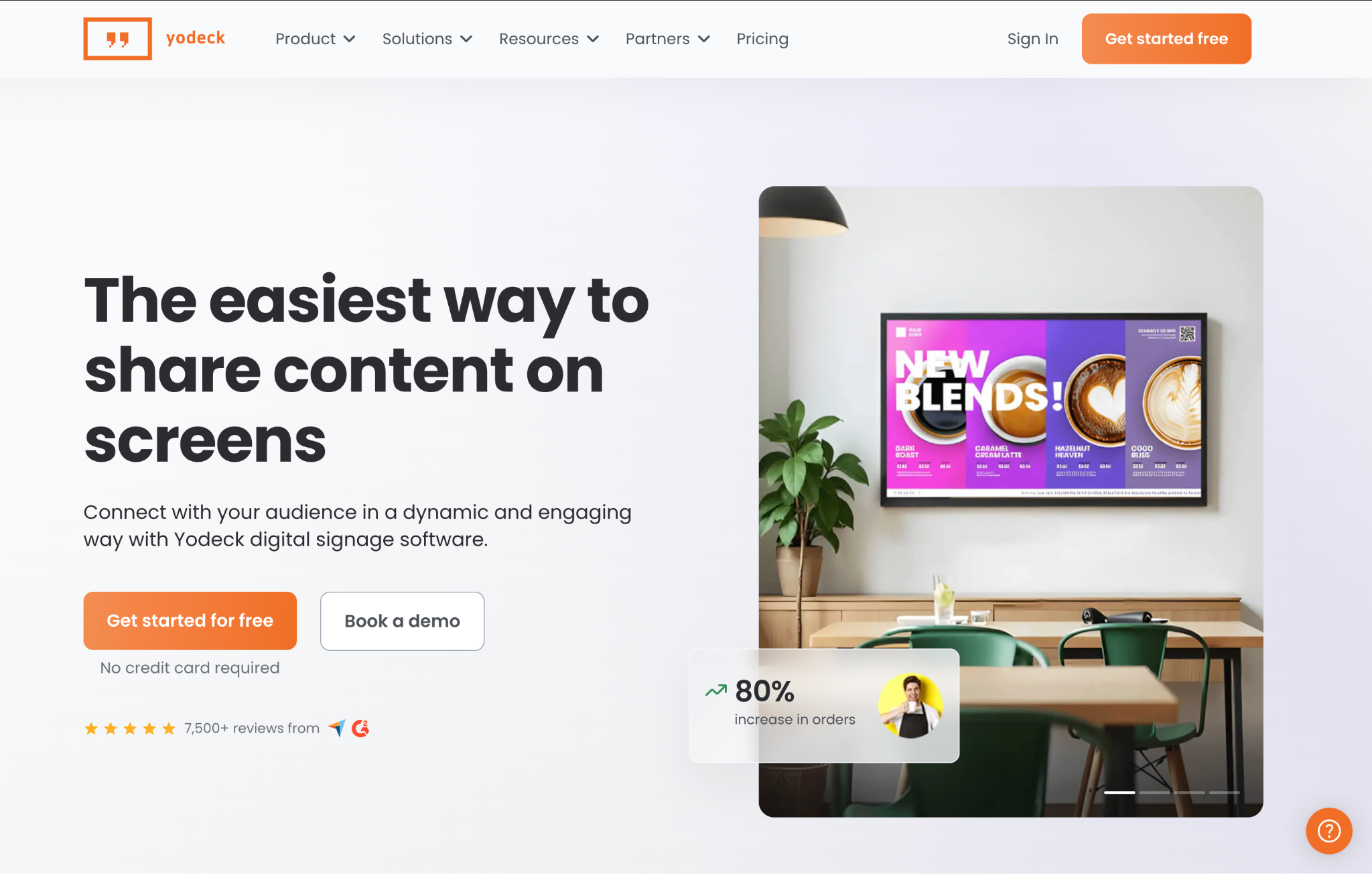
Yodeck is a popular choice for small businesses and schools.
It offers a clean interface, simple scheduling tools, and a free starter plan.
As a result, many businesses choose it when launching their first digital signage network.
Pros
- Easy to learn
- Affordable
- Free plan available
Cons
- Some advanced features require paid plans
- Limited hardware ecosystem compared with larger platforms
Best for: Small businesses and education.
4. TelemetryTV

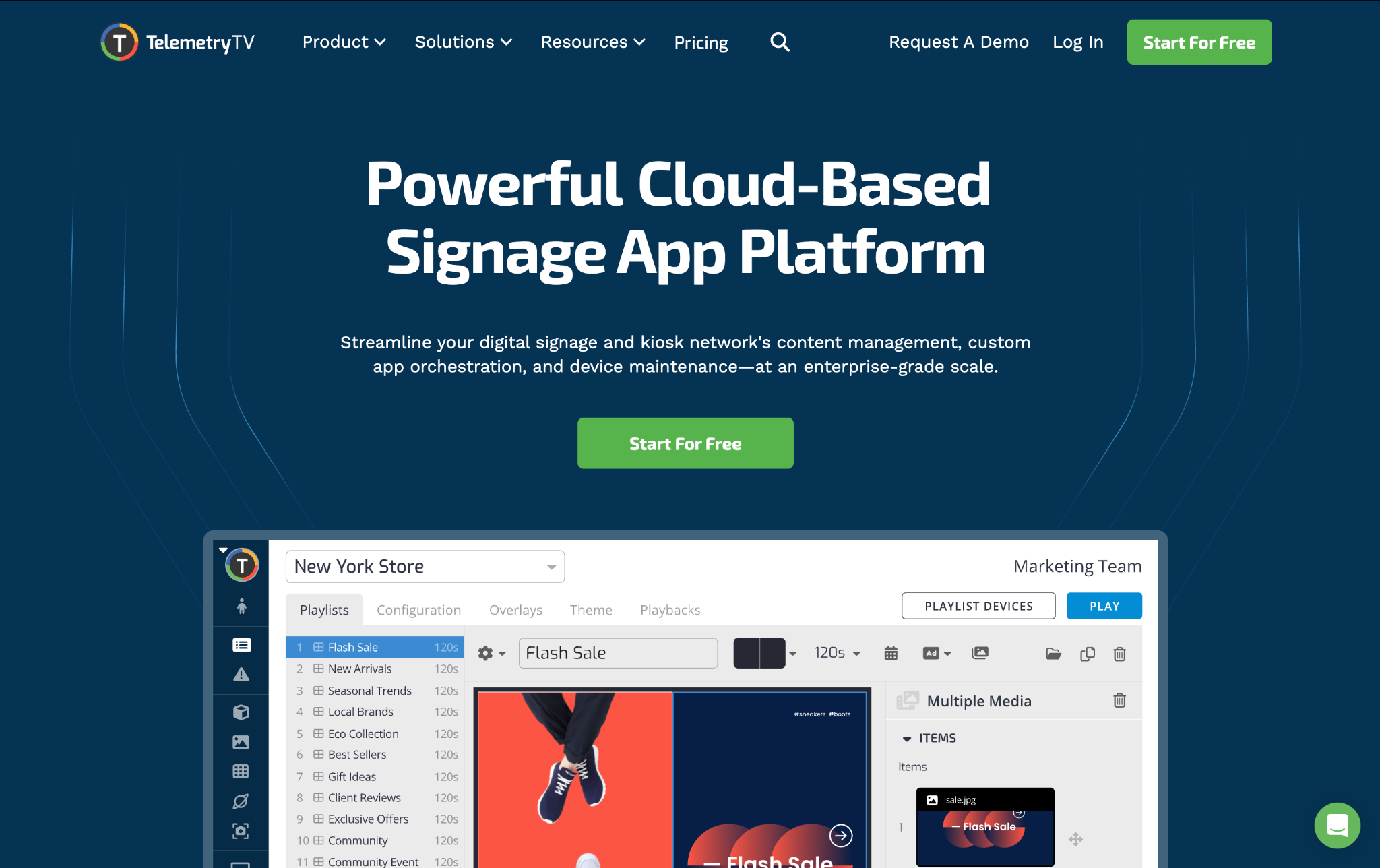
TelemetryTV focuses on enterprise deployments.
It includes advanced reporting, analytics, security, and centralized device management.
Therefore, it’s a strong choice for companies managing hundreds or thousands of displays.
Pros
- Excellent scalability
- Advanced analytics
- Enterprise security
Cons
- Premium pricing
- May be more than smaller businesses require
Best for: Large enterprises.
Feature Comparison
| Feature | BuzzBlender | ScreenCloud | Yodeck | TelemetryTV |
| Cloud Dashboard | ✅ | ✅ | ✅ | ✅ |
| Remote Management | ✅ | ✅ | ✅ | ✅ |
| Content Scheduling | ✅ | ✅ | ✅ | ✅ |
| Multi-location Support | ✅ | ✅ | ✅ | ✅ |
| Video Wall | ✅ | Limited | ❌ | ✅ |
| Android TV | ✅ | ✅ | ✅ | ✅ |
| Samsung Tizen | ✅ | ✅ | Limited | ✅ |
| LG webOS | ✅ | ✅ | Limited | ✅ |
| Windows | ✅ | ✅ | ✅ | ✅ |
How to Choose the Right Digital Signage Platform
Before making a decision, ask yourself a few questions.
- Will you open more locations next year?
- How many screens will you manage?
- Do you need digital menu boards?
- Will non-technical staff update content?
- Do you need Android TV or Samsung Smart TV support?
- Is remote management important?
- Does the pricing still make sense after adding more screens?
Answering these questions will help you choose software that supports your business today and in the future.
Frequently Asked Questions
Which digital signage software is best for growing businesses?
BuzzBlender is one of the best choices because it combines affordable pricing, cloud-based management, and support for Android TV, Samsung Tizen, LG webOS, Windows, and multiple locations.
What is the best OptiSigns alternative?
If you want lower pricing and a simpler interface, BuzzBlender is an excellent OptiSigns alternative. It includes the features most businesses need while costing significantly less.
Which digital signage software is easiest to use?
BuzzBlender and Yodeck are both known for their simple dashboards and fast setup.
Can I update screens remotely?
Yes. Every platform in this guide allows you to manage displays remotely using a cloud-based dashboard.
Which software is best for restaurants?
Restaurants need reliable scheduling, digital menu boards, remote updates, and video playback. BuzzBlender is designed specifically for these types of businesses.
Final Thoughts

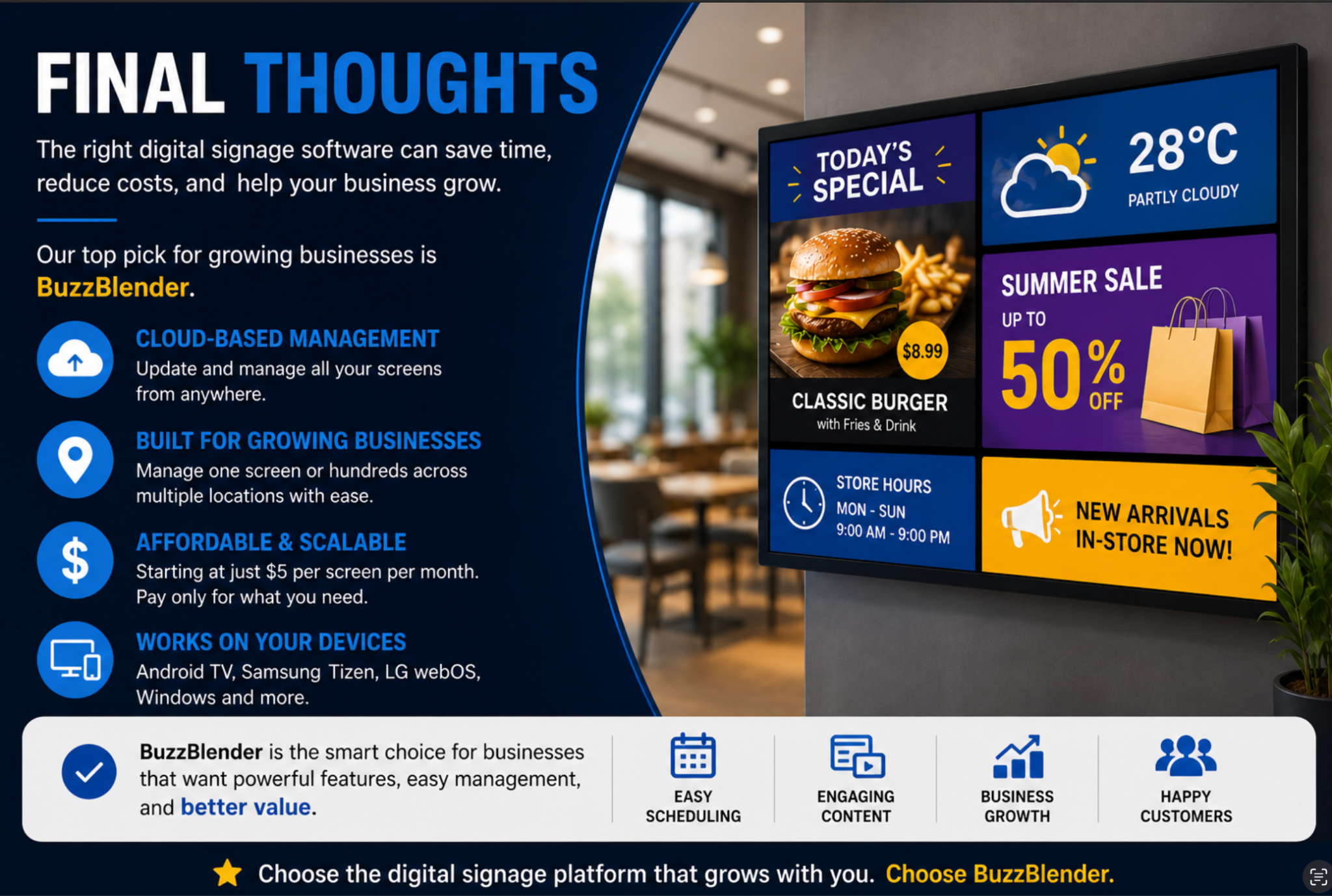
Choosing digital signage software is a long-term decision.
The right platform should make it easy to manage content today while supporting your business as it grows.
ScreenCloud, Yodeck, and TelemetryTV are all strong options for specific use cases.
However, if you want the best balance of price, ease of use, cloud management, and scalability, BuzzBlender stands out as our top recommendation.
With support for Android TV, Samsung Tizen, LG webOS, Windows, Video Walls, remote scheduling, and multi-location management, it gives growing businesses everything they need—without the enterprise price tag.