


Thanks to the COVID-19 pandemic, more and more teams are working remotely. This has actually been a great experiment for many businesses who said they’d never be able to function with employees working from home since it illustrates that in many cases employees can be and are more productive working remotely. That being said, if you don’t invest in your remote team, you’ve likely had some hiccups here and there. Here are five must-have items that’ll transform your remote team into a smooth-running machine.
Table of Contents
Offer Employees The Materials They Need to Get Working
It may seem obvious, but spending some of your budget on the materials that your employees need to transform their homes into remote workspaces is crucial. Not everybody has a home office, so getting them a desk or ethernet cable might be necessary if you want to keep them productive. You may also want to invest in cushions for seats to help make things a bit more ergonomically comfortable, too.
Use OKR Software to Keep the Teams’ Priorities Aligned
One of the biggest challenges for any remote team is staying on track and achieving their goals. Especially when your whole company is working remotely, this becomes even more challenging, since it can be more difficult for teams to work interdepartmentally with the ease they would in the same physical office. This is where adopting an OKR framework and OKR software can be a lifesaver.
OKR stands for “objectives and key results.” Put simply, OKRs identify and clearly establish what goals you’re trying to accomplish each quarter and then define the steps that need to be taken in order to achieve those goals. With OKRs, you’ll know where you stand, what you’ve accomplished, what needs to be done still, and what success ultimately looks like. Pioneered by two of the brilliant minds responsible for creating Google, the best OKR software can truly revitalize your business.
Level up Your Presentation Materials
Gone are the days where a meeting could just be a few people in a room hashing things out. Nowadays, thanks to the virtual landscape, it’s more important than ever to have eye-catching and engaging visual aids to accompany your presentations. Especially if you have a sales department or run training programs for your software or product, having compelling presentation materials is an absolute must. This is why it might be worth looking into a PowerPoint presentation service to handle these assets for you. A PowerPoint presentation service can help create motion graphics, meeting presentations, and event presentations and help your message resonate with your target audience.
Set Clear Guidelines for Video Conferencing
By now, you’re probably aware of something called “Zoom drain” or “Zoom fatigue.” In a nutshell, this occurs because of the delay in visual and auditory cues which ultimately makes your brain have to work harder in order to engage on a virtual meeting. It’s important that you discuss and set clear rules for video conferencing as a team, in order to mitigate Zoom fatigue as much as possible. For example, allow employees to turn cameras off to reduce visual cues, and consider spreading meetings out so that nobody has to attend back to back meetings. These small touches can be incredibly helpful for keeping your staff productive.
Set up a Slack Channel
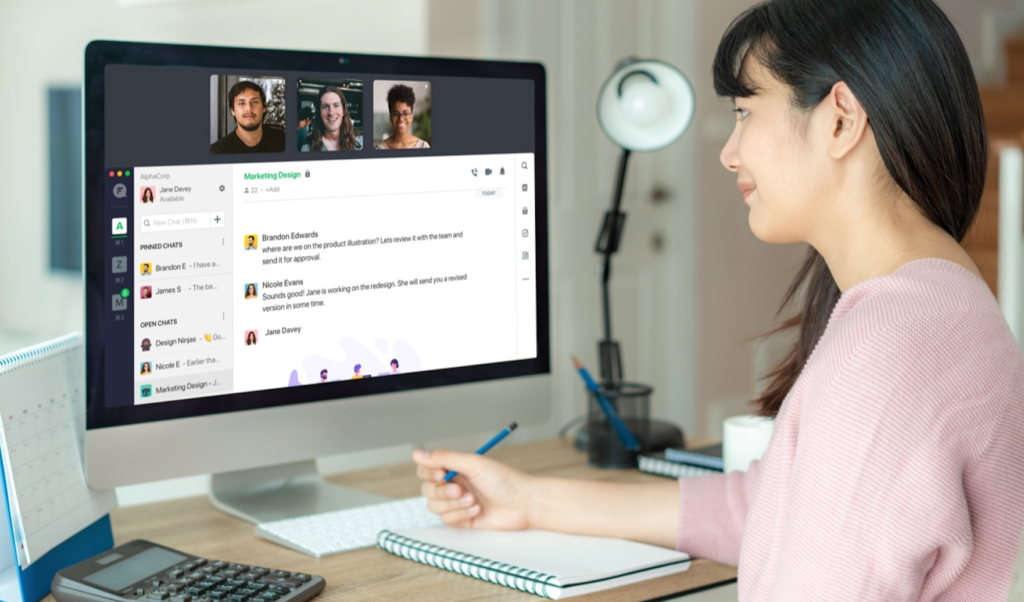
Slack is a great communication tool that goes above and beyond email to keep your communications in one place. While there are some projects where an email is a useful tool, internal day-to-day communication is much better suited for something like a Slack channel. Slack was already rising in popularity before the pandemic hit, and they’ve reached new heights as more and more teams and businesses realize its usefulness.

