


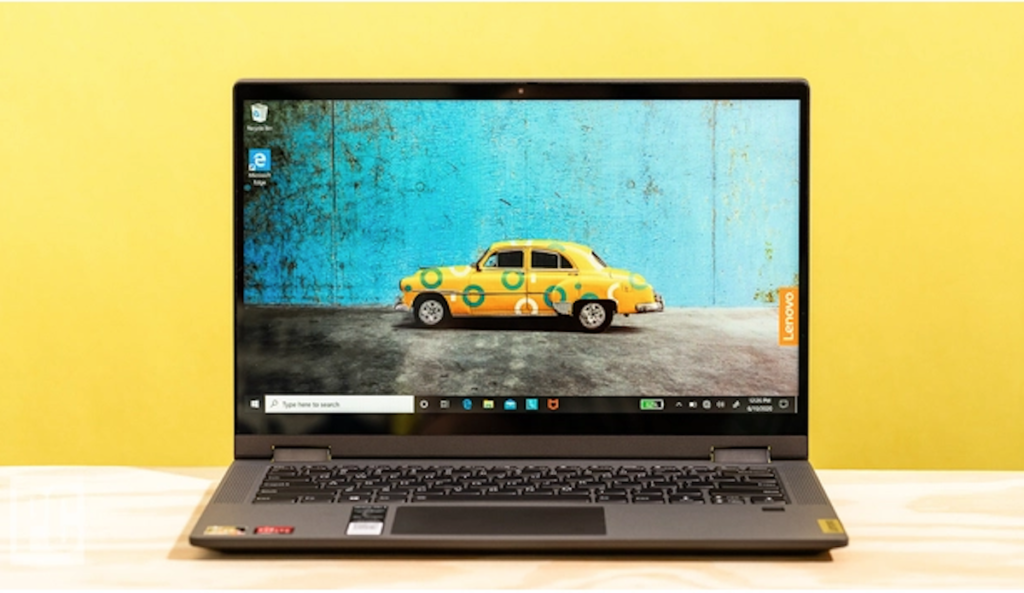
Are you planning to get your first laptop? Well, if that’s the case, then there must be a lot of confusion. There are a hundred thousand laptops available in the market, but choosing the one for your purpose is a neck-breaking task. One would want to do almost everything on just one laptop, which is impossible if you are looking for a laptop under 600 dollars.
Laptops are categorized into three sections, work, study, and gaming. In contrast, most gaming laptops serve all three purposes, therefore if you have a handsome budget, consider checking the lists on Geekyflow for the best gaming laptops.
Before purchasing a laptop, you should first read this guide and find out more about what can you expect in a budget laptop. So, without wasting much time, let’s get started.
Table of Contents
What are budget laptops?
Before starting, you should know what budget laptops are. In brief, budget laptops are mostly under the price range of 600 dollars, which caters to most users’ needs and provides a good performance.
A budget laptop is ideal for work and study purposes only, while some of the users even play light graphic games, such as GTA San Andrea’s, which can run on a budget laptop smoothly. But, expecting a fabulous gaming experience on a budget laptop is a stupid thing, as most of them are equipped with an integrated graphics card.
5 things to consider in a budget laptop
1. RAM
If you didn’t know this, RAM plays an essential role in a laptop. A tight budget laptop comes with only 4GB of RAM, which is sufficient for only lightweight tasks, although some budget laptops also come with 8GB of DDR4 RAM.
A lot of budget laptops are equipped with 8GB RAM and are ideal for multitasking. Some laptops have a dual-slot, which means that you can upgrade to a specific RAM amount and increase the total RAM size.
In my opinion, choose a laptop that has at least 8GB of RAM, as it is an essential factor for multitasking and lag-free experience.
2. Display – Size and type
The second thing you should be considered while purchasing a budget laptop is the type of display. While most of the budget laptops do not have a very great display, but if you search nicely, you will find some budget laptops with a Full HD IPS display panel.
Although some companies opt for a cheaper display panel, such as TN, such display panels have poor viewing angles and lousy color reproduction for cost-cutting. Such issues are not significant if most of your work is based on excel sheets, word, and internet.
However, most renowned companies usually use LED, and LCD panels in their laptops and such type of displays can be found in almost every budget laptop. But if you are choosing an unpopular brand, there are chances that you will be getting a cheap quality display.
3. Processor
Most of the budget laptops are equipped with an AMD processor, as it is cheaper than an Intel processor. But some of the laptops priced under 600 dollars do have an intel i5 10th gen processor, which is useful in terms of performance and reliability.
AMD users often complain of overheating issues and low-performance issues, on the top of that, AMD Vega graphics consumes a lot of system resources making your laptop slow. So, while getting a budget laptop, you can expect an AMD Ryzen 3 or 5, or intel i3 10th gen processor.
4. Graphics Card
If gaming is not your forte, then getting a gaming laptop is useless. Moreover, budget laptops usually come with an integrated graphics card which is not very powerful and does not serve the best-in-class graphics quality.
Therefore, you will have to compromise on the graphics quality and use the integrated graphics card. But if you want to play high-end games and do video editing and other VFX related stuff, consider a laptop with at least Nvidia GTX 1650 graphics card.
5. Battery Life
Another important factor while purchasing a laptop under budget is its battery life. Most of the budget laptops promise 8 hours of battery life, which is often not true. Batter performance depends upon how you use the laptop, and how many applications you use at once.
Moreover, display type also affects battery life, and the touch screen displays consume a lot of power. Therefore, do not expect a budget laptop to give you 7-8 hours of battery life if you use more than two apps at a time.
Wrapping Up
So, by now, you must know the things you should consider while purchasing a budget laptop. We hope this guide will help you make the best decision and choose a laptop that fulfils your demands.

