


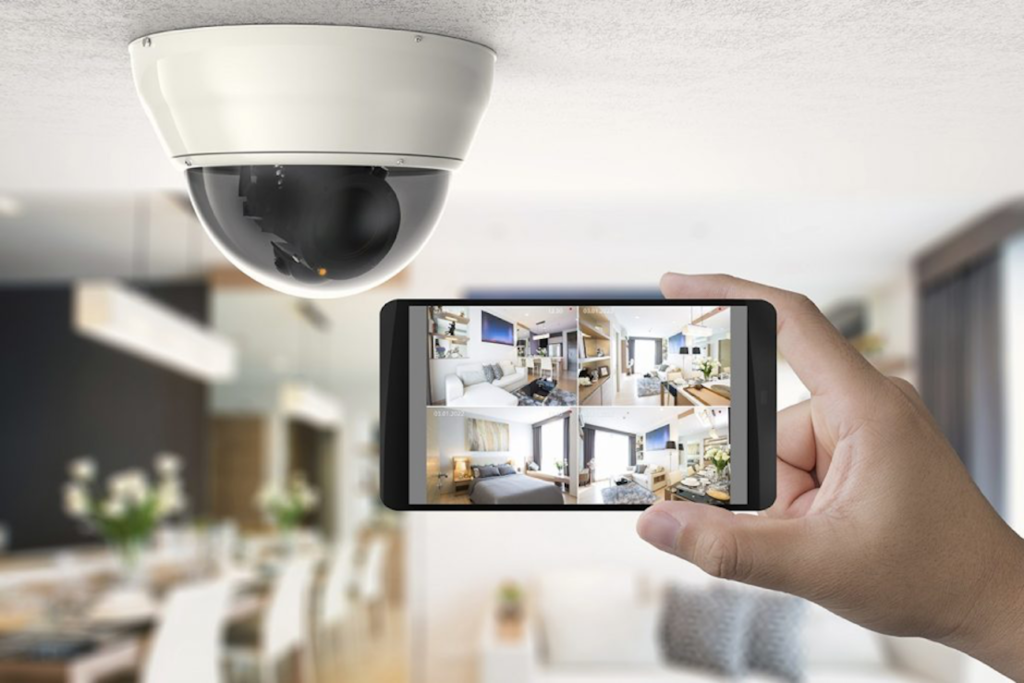
Security cameras were once only seen at retail stores, banks, restaurants and other business locales. Nowadays, however, with the increase in crime and burglaries, people are increasingly outfitting their homes with the same security measures. Coupled with developing technologies like the internet and automation, home security has never been this easy, or efficient.
Using your smartphone, computer or tablet, you will have video access to your home 24/7. But, setting up your home security cameras can be tricky. So here you’ll find 6 tips to make DIY home security cameras installation as easy and efficient as possible.
Table of Contents
1. Choose the Right Package for Your Needs
When it comes to buying security cameras, there’s so many options it can be overwhelming. The thing to remember is to purchase the option that best suits your needs. Think about how many cameras you’re likely to need. At a minimum, you’ll probably need four for the outside of your house, and three for the inside of your home.
Now, you have to decide on wireless versus wired cameras. Wireless technology always runs the risk of being ‘hacked’, so a wireless system is definitely the best way to go. While it can be quite costly, the setup is easier because there’s no drilling or running cables throughout your home.
If you’re worried about security camera installation cost, then a wired camera system is your best option. It’s tricky to install but won’t blow your budget. It’s also ultra-reliable and a more practical option for homeowners who don’t intend on moving the cameras around. Bear in mind, you’ll also need a digital video recorder (DVR) and the appropriate wiring and power cords.
You might also consider purchasing motion sensing cameras which will automatically alert you of any suspicious activities at your home. This way, you won’t have to constantly monitor your camera’s feed, saving you time and energy. It will also save you storage space because it only records when it senses movement.
2. Keep Your Outdoor Cameras Outside, and Your Indoor Cameras Inside
One of the biggest mistakes people make is thinking they can swap out their indoor and outdoor cameras. Don’t do it. Placing indoor cameras outside will subject them to moisture, insects and harsh weather conditions they are not designed for. This will result in reduced image quality or possibly no image at all.
3. Camera Location
The number one thing to consider when installing security cameras in your home is the placement. Here, you need to think about two strategies – exterior and interior placement. When considering outdoor cameras, remember to cover the most vulnerable areas around your home. So, think about placing cameras above the front door and off-street windows.
If you have a double storey home, it’s best to place a camera at the second-floor level. This will help prevent burglars from knocking down your camera. Also position cameras at the back door, the garage, the basement, driveway, porches and yard. This way, you’ll have a 360˚ view of your entire premises.
When it comes to the inside of your home, prioritise the main areas of the house like the kitchen, living room and master bedroom. Other thoroughfares inside your home include the hallway or main stairway. Make sure to hang your cameras in the corner of rooms for the best view. Also avoid facing your cameras directly towards lights and lamps as this can hamper your visibility.
4. Secure Surveillance Cameras
Another mistake people make when installing their surveillance cameras is not securing their devices. This makes them susceptible to tampering and vandalism. To avoid this, make sure to install the cameras 8 to 10 feet above the ground. Also, to protect cameras from the elements, try placing them under eaves or other semi-protected areas.
5. Think About Your Lighting
No matter where you place your security cameras, you’re going to have to pay attention to the lighting. Avoid directing your outdoor cameras towards the sun as this will cause a glare and obscure your visibility.
For night-time monitoring, you’ll need to provide enough lighting to record a clear image. At the same time, avoid placing cameras too close to bright lights as this will distort the image.
6. Consider your Video Management and Storage
Security cameras gather footage and you need some place to store and view the data. This is where DVRs come in. DVRs have a variety of built-in memory capacities, from a couple of hours to a day’s worth of footage. However, they are susceptible to hardware malfunctions, which could compromise the entire camera system. So, make sure it’s placed where it can’t easily get damaged, or test yours and budget for replacements once in a while.
Final Thoughts
Protecting yourself, your loved ones and your home should be a top priority in your life. So, don’t put it off any longer. Use these tips to install your home security cameras today and have peace of mind.

