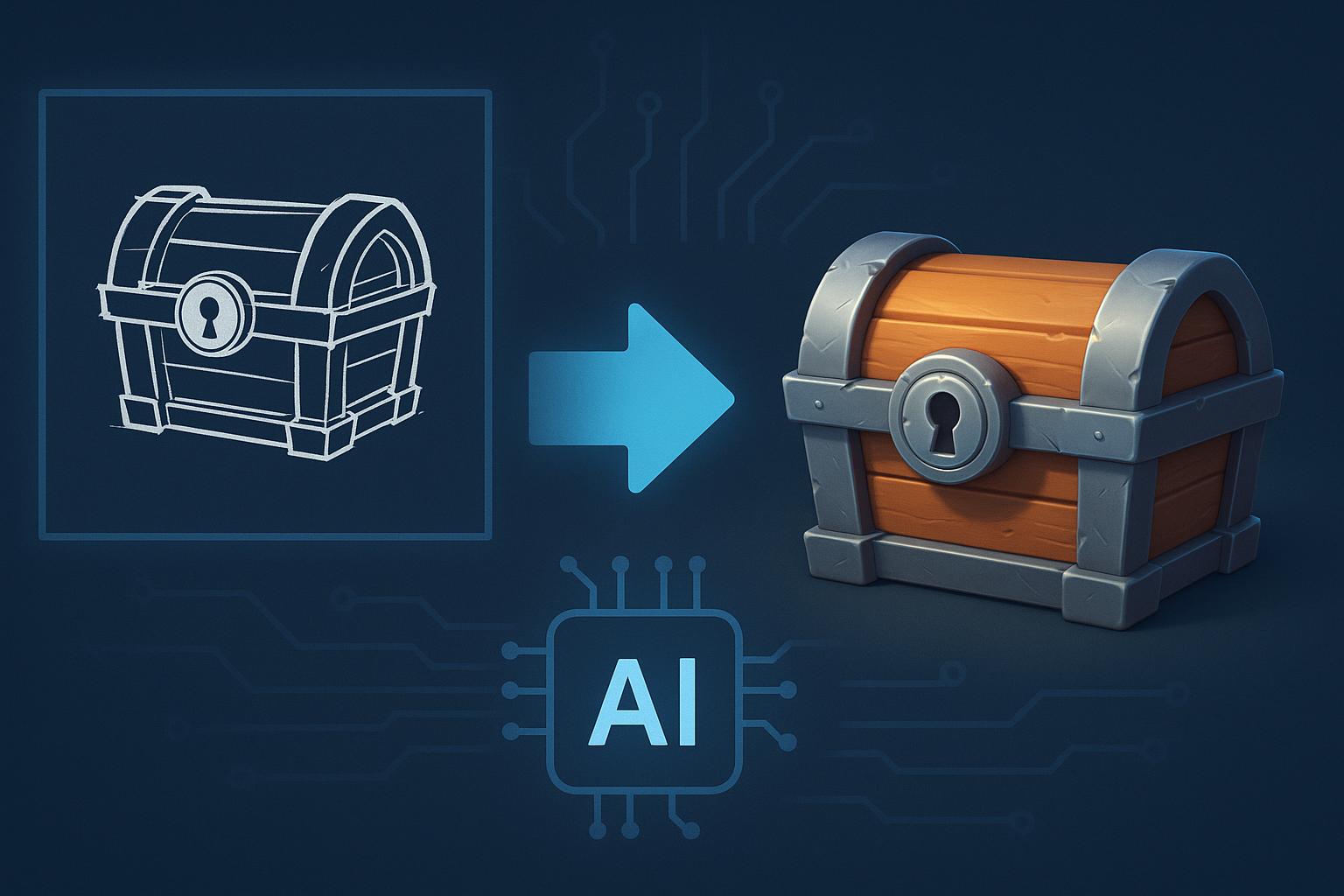
Many creative teams already own useful artwork that never reached three dimensional production. Old sketches, product drawings, mascot artwork, and character sheets may still contain ideas worth developing.
The harder question involves deciding which flat concepts deserve more production time. AI gives teams a faster way to test depth before committing to a manual build.
Adobe’s 2026 Creators’ Toolkit Report surveyed more than 16,000 creators across eight countries. Among creators using creative AI, 75 percent described it as integrated or essential to their workflow.
For 3D teams, the practical opportunity starts with existing visual libraries. You can test useful concepts before rebuilding every surface by hand.
Table of Contents
Treat Your 2D Library Like an Asset Inventory
Start by reviewing artwork your team already controls. Sending every available image into generation software wastes valuable production time.
Divide your files into four useful groups:
- Concepts required for projects your team is currently developing.
- Designs that could support future campaigns or product prototypes.
- Artwork with unclear ownership or incomplete licensing information.
- Images missing important visual information about the main subject.
This first review gives every selected concept a purpose. It also removes poor candidates before generation work starts.
1. Score Each Source Image Before Generation
Some images provide much clearer information than others. A centered chair against a plain background is easier to interpret than a character hidden behind scenery.
Use this five point check before processing any image:
- The subject has a clearly defined outer shape.
- Important parts stay visible without heavy visual overlap.
- Lighting does not hide major surface information.
- The image supports inspection at a useful size.
- The design needs little explanation beyond the reference.
Images passing most checks deserve an early test. Weak references should receive correction before anyone spends generation credits.
This small review can save several repeated attempts later. Your team also gets a shared reason for rejecting difficult source material.
2. Decide Where the Model Will Go Next
A web product preview needs different geometry from an animated character. Your team should choose the final destination before selecting generation settings.
An AI 3D model generator can shorten this starting stage when the target is already clear.
Meshy currently supports model generation from images and written descriptions. Supported generation workflows can produce usable models in under one minute.
Several export options are available for later production work. Current documentation lists FBX, OBJ, GLB, USDZ, STL, and 3MF among the supported formats.
Those choices help teams send generated models toward game engines, printing software, or desktop production applications.
3. Use One Image for Predictable Shapes
A single reference can work well for simpler objects. Cups, stools, crates, and basic toys have hidden surfaces that are easier for generation systems to estimate.
After generating your model, rotate it from every useful viewing angle. Pay extra attention to areas missing from the original artwork.
Inspect these four locations carefully:
- Review the surface behind the original camera position.
- Check narrow spaces between handles or separate parts.
- Inspect bottom sections hidden inside the source image.
- Review curved areas where depth required system estimation.
Repeated failures tell you something useful about the reference. Providing additional visual information may save more time than another identical attempt.
4. Add More Views When Geometry Gets Complicated
Characters and mechanical products can hide important details from one camera position. Extra references give the generation system more information about unseen surfaces.
Meshy 7 Multi View supports one primary image alongside as many as three additional references. Those images should represent the same subject from consistent positions.
Multi View requires a paid subscription and does not come with free access. Meshy currently provides both free and paid plans for different workloads.
Free accounts currently receive 100 credits every month. Those credits reset on the first day of each month.
A Free AI 3D modeling Tool can still help during basic experiments. You can understand the generation process before paying for features required by complex references.
Keep proportions consistent between every supplied camera angle. Major design changes between references can make reconstruction much harder.
5. Build Three Review Gates Into Every Conversion
A practical 2D to 3D workflow needs clear stopping points. Without them, teams can collect many models without knowing which ones deserve further production work.
First Gate: Compare the Main Form
Compare the generated result against your original artwork first. Check proportion and recognizable features before reviewing tiny surface details.
A wrong overall shape deserves another generation attempt. Spending an hour repairing small details would make little sense at this stage.
Second Gate: Test the Technical Fit
Open the selected asset inside its intended production software. Review scale and geometry density before checking texture placement.
Test the model under the conditions used by your final project. A browser asset has different technical requirements from a detailed cinematic model.
Third Gate: Calculate the Repair Cost
Compare correction time against rebuilding time before continuing further. Some generated results save several hours of manual production.
Other outputs require enough repair to cancel those savings. Your team should reject those candidates early rather than protecting work already spent.
6. Give Character Assets Their Own Production Path
Character projects require additional checks after geometry generation. Static objects may stop after cleanup, while characters need deformation testing before approval.
Meshy Auto Rigging currently supports humanoid and quadruped character structures. Smart Rig Beta supports custom or fantasy creatures outside those standard categories.
The current system can generate skeleton hierarchy and skinning weights in approximately thirty seconds. Artists should still inspect shoulders and knees after the process finishes.
Animation support also has important boundaries. Meshy provides 600 plus game ready motion presets primarily for humanoid rigs.
Quadrupeds currently support walking only through the animation library. Smart Rig models are not yet supported by that preset library.
Knowing these limits early helps your team plan character production before approving generated geometry.
7. Measure Useful Assets Instead of Generation Volume
Producing fifty models does not automatically improve your project. A better measurement tracks how many generated 3D assets actually enter useful production.
Record practical results such as these:
- Count models approved after only limited manual correction.
- Record concepts that reach internal review much faster.
- Track assets reused across later scenes or projects.
- Estimate manual modeling hours avoided after final approval.
- Identify reference types producing fewer failed generation attempts.
These numbers tell your team which source material performs best. Future batches can then focus on higher value candidates.
AI digital creation works better when accepted output receives more attention than raw generation numbers.
An Eight Step Conversion Routine
You can organize an existing concept library through this process:
- Gather artwork that your team legally controls.
- Remove files with uncertain ownership before processing.
- Score every source for useful visible information.
- Assign a final destination before starting generation.
- Begin simpler subjects using one reference image.
- Add extra views when hidden surfaces need guidance.
- Test selected models inside their final production software.
- Archive successful source files beside approved final models.
This routine gives older creative material another practical purpose. Your team can return to proven assets instead of repeating previous experiments.
FAQ
Can old concept art support modern 3D production?
Yes, older artwork can provide useful source material when ownership is clear. Images with separated parts provide generation systems with better visual information.
Should every flat design receive a 3D version?
No, conversion makes sense when an asset has a planned destination. Designs without a practical use may never repay their cleanup time.
Does Meshy provide a free plan?
Yes, Meshy currently provides free and paid options for different workloads. Free accounts receive 100 monthly credits for supported generation tasks.
Can fantasy creatures receive automatic character rigs?
Yes, Smart Rig Beta supports creatures outside standard humanoid categories. However, those models cannot currently use Meshy’s preset animation library afterward.
When should you provide several reference angles?
Several views help when important geometry stays hidden behind the main subject. Characters and mechanical products can benefit when their sides differ considerably.
Final Thoughts
The useful change in modern 3D production involves greater choice before manual modeling begins. Teams can revisit existing artwork and identify concepts worth developing further.
Good source selection makes the process much more practical. Clear references reduce failed attempts and give reviewers better material for technical decisions.
Your artists still control final production quality. AI handles an earlier conversion stage while people decide which assets deserve detailed work.
For many teams, their next useful asset may already exist somewhere. It could simply be waiting inside an old sketch folder.