

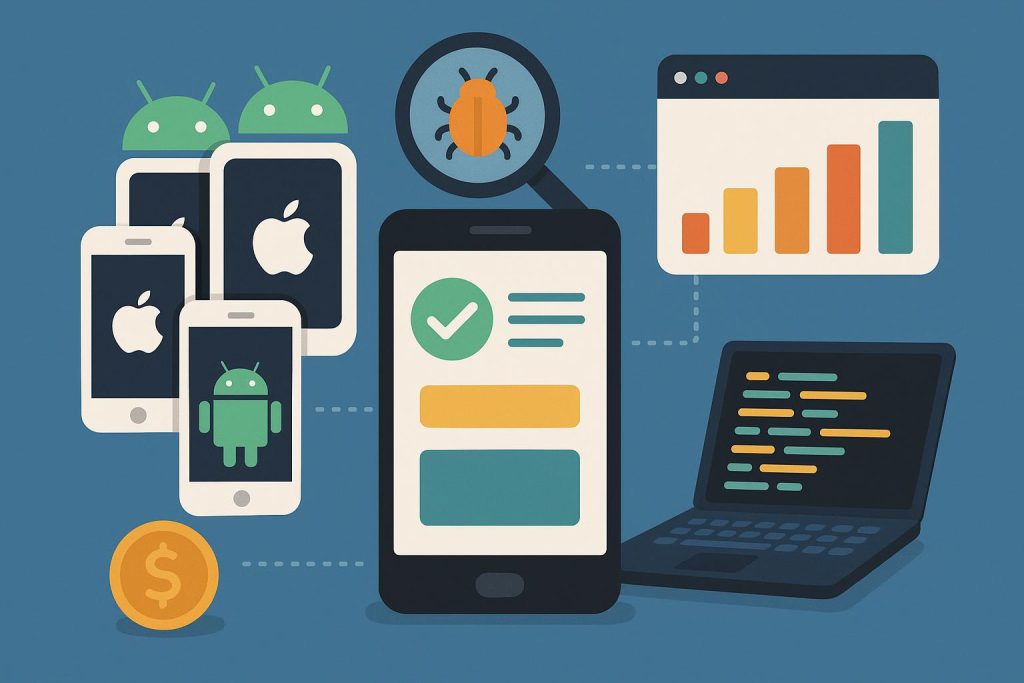
Mobile QA expectations rarely match mobile QA budgets. A small team shipping to Android and iOS is somehow expected to cover dozens of screen sizes, four or five OS versions, and a spread of network conditions, usually for less than one seat in an enterprise device lab costs.
Most of that coverage can be assembled from used hardware, free emulators, and two or three cheap subscriptions. The trick is knowing which parts deserve real money and which ones don’t.
Table of Contents
Buy the hardware used, and buy less of it
Physical devices still catch what emulators miss: thermal throttling, camera behavior, touch latency, and the way a three-year-old budget phone stutters through an animation that looks fine on a Pixel 9.
But a full device wall isn’t necessary. Four handsets cover most of the risk profile: a current mid-range Android, a low-end Android from roughly three years back, a recent iPhone, and the oldest iPhone still receiving iOS updates.
Refurbished units from Swappa or Back Market cost a fraction of retail, and QA devices don’t need pristine screens. Android sits at roughly 72% of global mobile OS share, so weight the shelf toward it rather than splitting the budget evenly.
Network and location testing is where the money goes
Carrier-level behavior is the hardest thing to fake from a desk. Geo-restricted content, region-specific store builds, and carrier-injected headers all depend on traffic that looks like it originated on a real mobile network, not a rack in Virginia.
Renting SIM cards across six countries gets expensive fast, which is why most small teams get cheap mobile proxy access instead and route test traffic through actual 4G and 5G connections in the markets they care about. It’s a closer approximation of production than any VPN endpoint, and it costs a lot less than international roaming plans.
Pair that with bandwidth throttling and the coverage gets respectable. Slow, unstable networks are what expose timeout bugs, broken retry logic, and loading states nobody bothered to design.
Set a throttling profile to 3G speeds with high latency, then run the checkout flow twice in a row. Problems that never show themselves on office fiber tend to surface inside a minute.
Emulators and remote debugging handle the routine work
Android Studio ships with an emulator that supports latency profiles, GPS spoofing, and multiple API levels at no cost. The Android emulator documentation covers the command-line flags worth wiring into a script, which is where most of the time savings actually live.
Xcode’s Simulator does the same job for iOS, with one caveat: it won’t reproduce camera, Bluetooth, or push notification behavior properly. Treat it as a layout and logic checker, nothing more.
Where virtual devices fall down is density and aspect ratio coverage. A layout can pass on five emulator configurations and still break on a physical handset with an unusual notch or a taller screen, so one real-device pass before release stays non-negotiable.
For real hardware, remote debugging through Chrome DevTools exposes the full inspector for anything running in a mobile browser or WebView. Safari’s Web Inspector handles the iOS equivalent over USB, and both are free.
Automate the repeatable parts only
Appium and Maestro both cost nothing and cover cross-platform flows. Maestro is the easier starting point for teams without a dedicated QA engineer, since flows are written in YAML and a first suite takes under an hour to stand up.
Keep test automation scoped to login, checkout, onboarding, and whatever broke last quarter. Suites that try to cover everything tend to rot within two release cycles, and a flaky suite is worse than no suite because people start ignoring red builds.
Run it on GitHub Actions or GitLab CI. Both offer free minutes for small projects, and a nightly job against two emulator configurations catches regressions before anyone files a ticket.
What this actually costs
Four refurbished handsets, a mobile proxy plan, and CI minutes put most teams somewhere near $1,200 upfront with monthly costs under $100 after that. Compared with per-device cloud lab pricing, the math favors building it yourself until headcount roughly doubles.
Budget for one review a year: retire the oldest handset, replace it with whatever device the install base has drifted toward, and drop any automated test that hasn’t caught a bug in twelve months.
The gap between a cheap stack and an expensive one keeps narrowing anyway. Emulator fidelity improves with every release, and the pieces that still demand real hardware on real networks are exactly the pieces worth paying for.