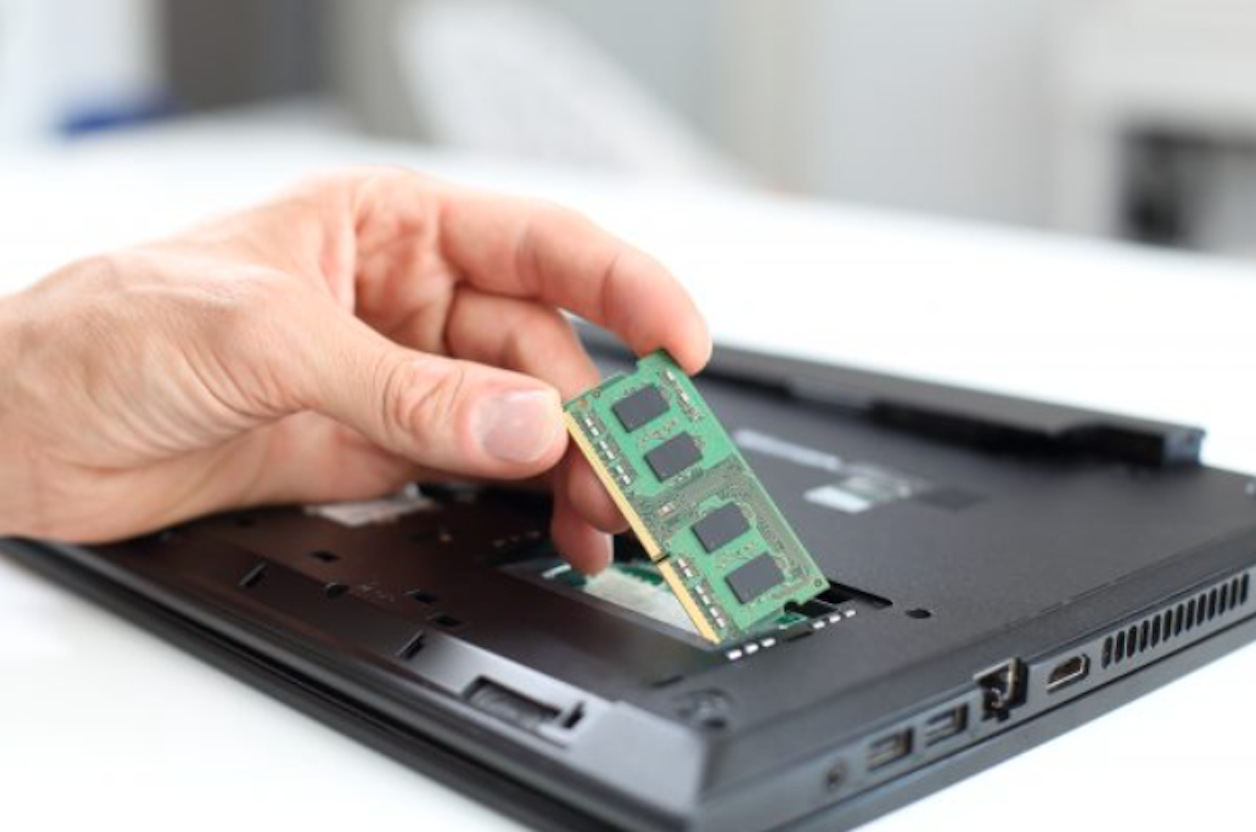
The amount of RAM we have been witnessing on smartphones has now begun exceeding that used on a desktop or laptop. After the right type of CPU and GPU, the RAM is the most important component that determines the efficiency and functionality of your computer. So, how to pick the right RAM for your desktop?
There are a few important factors you need to pay special attention to when picking the best RAM for Ryzen laptop. We will analyze each of these factors before arriving at the best options for picking the best RAM for your computer or laptop.
Table of Contents
How much RAM do you really need?
The range of RAM used in a computer or laptop would be around 8 to 16 GB. Of course, they are devices with 4 GB of RAM, but they are extremely low end and may not handle most of the functionalities.
The choice of how much RAM does your need is dependent on what system you are using. In case you are looking for a high end system, you will need a RAM capacity of 16 GB or even more. In case you are building a budget-friendly computer, you can opt for a RAM capacity of around 8 GB.
RAM Compatibility
Not each type of RAM will be compatible with every system. There are a few factors you need to pay attention to. Some of these parameters would include
- DDR generation
- Form factor
- Slots on the motherboard
If your motherboard is built for the newer generation of DDR, the older RAM will not work on them, unless backward compatibility is provided. The form factor of the motherboard such as microATX or mini ITX will have a lot of bearing on which RAM suits your computer.
Speed of the RAM
Speed of the RAM can be yet another factor you need to pay attention to if you are looking for the best RAM for your laptop. Determine the RAM frequency based on what programs you are likely to run. Based on your needs, you can decide on the right RAM speed.
A faster memory may not always ensure a better performance. Striking the right balance between the RAM performance and its speed would assume a lot of importance.
The RAM Channels
Multi channel mode of the RAM has been one of the most prime options you would want to give a thought to. They have been known to increase your data transfer rate to a considerable extent. The multi channel RAM mode can prove to be one of the huge advantages.
The use of multichannel mode increases the memory bandwidth to a greater extent. Yet another advantage is that you can continue using the RAM even when one of the RAMs is broken. If you pick 16 GB RAM as your option, it should be advised to use two 8GB RAMs and utilize them in a dual channel mode.
Laptop or Desktop?
Laptops and desktops come with different RAM specifications. Sie and configuration of the RAM have a lot to do with the connector pins available on your device. The interface on the motherboard will also have a greater bearing on your choice.
Laptops make use of SO-DIMM (Small Outline Dual In-Line Memory Module), while desktops come with DIMM (or UDIMM) module RAM (Dual In-Line Memory Module). That would mean the RAM designed for a laptop will not fit on a computer and the same will hold true for the RAM designed for a desktop which cannot be used on a laptop.
Choosing the RAM for your laptop or computer can be a tough task, especially when you look at the different requirements you need to satisfy. The factors mentioned above should ideally help you pick the best options for your laptop or computer.
