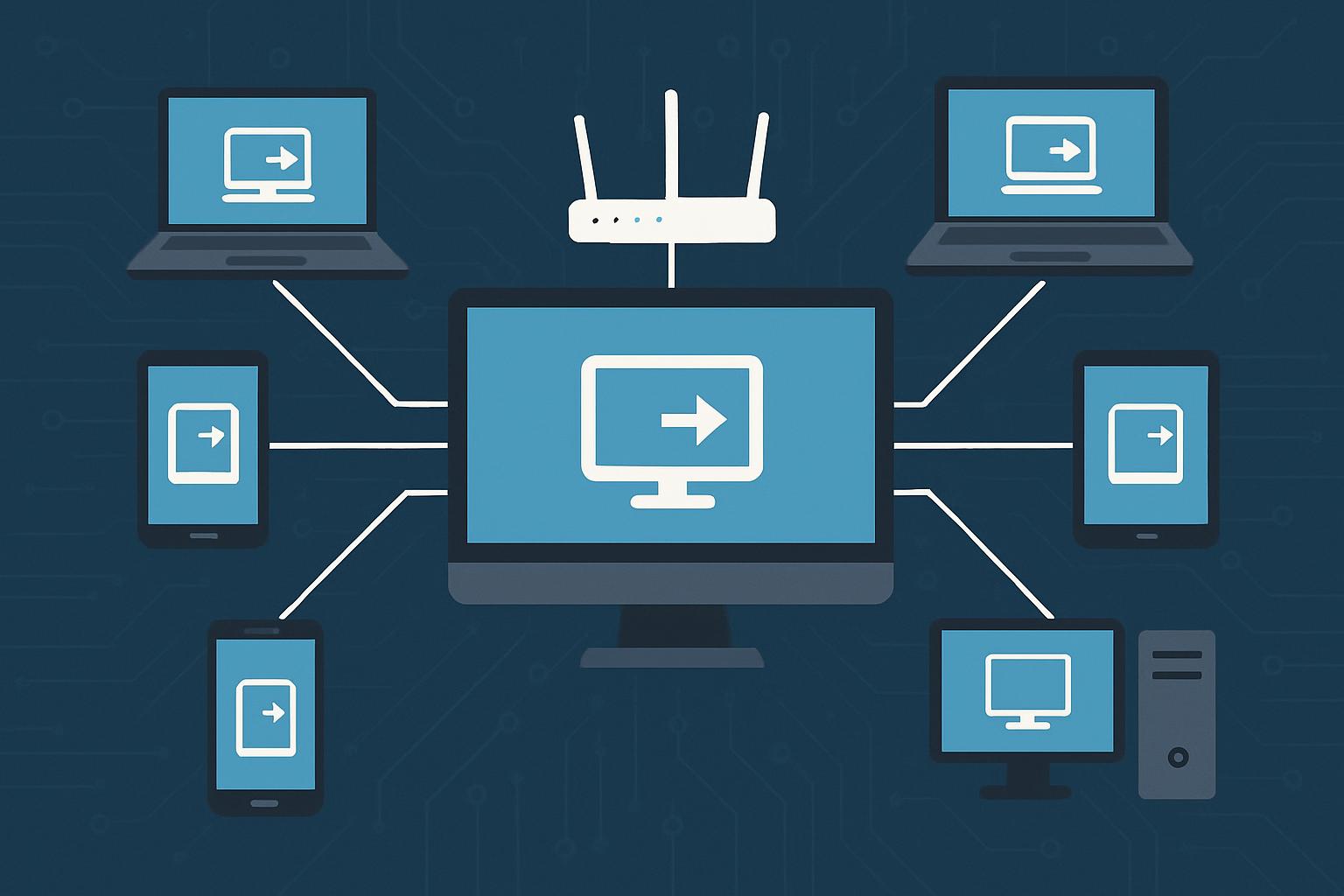
An even bigger challenge is finding the right remote access option for your organization. This market has grown significantly in the last few years and provided more options than ever for IT teams. However, more choice also means greater complexity. Organizations must know what each solution really does, how one is different from another and if the features that matter most to their workflows are truly supported. The following guide looks at seven solutions that are worth your time to look into, beginning with the one designed to help solve the most general business needs.
Table of Contents
Splashtop
For organizations evaluating a remote access solution that balances enterprise-grade security with practical usability, Splashtop is a strong starting point. It supports remote connection to all Windows, Mac, Linux, iOS and Android devices which is best for teams that run on heterogeneous device environments. Some of its notable features are HD streaming, a file transfer screen recorder, the ability to record sessions, multi-monitor support, and role-based access controls.
Splashtop is a solution widely adopted by IT and support teams, managed service providers (MSPs), and organizations implementing remote and hybrid models. Instead, it provides dedicated business products for remote access (for networks or devices), remote support, and endpoint management each designed for specific use cases. Pricing is transparent and separated into tiers, keeping the product accessible to growing teams without putting them in enterprise contracts that cover far more than they need.
RealVNC Connect
RealVNC Connect is built on the established VNC protocol, giving it broad reach across Windows, macOS, Linux, Raspberry Pi and several UNIX-like systems, which makes it a practical option for organizations with a heterogeneous mix of endpoints including embedded and non-standard hardware. It offers both cloud-managed and on-premises deployment, which appeals to businesses with data residency requirements.
The tradeoff is that RealVNC Connect’s pricing scales with device count and feature tier, so businesses evaluating it against simpler flat-rate tools will want to weigh the additional deployment flexibility against the cost of managing a larger, more heterogeneous fleet.
RemotePC
RemotePC has a reputation as one of the more affordable business remote access solutions out there, especially for those organizations to manage a lot of computers without those annoying per-seat premiums hung on. Compatible with Windows, macOS, Linux and mobile platforms, it has standard features like file transfer, remote printing, always-on access and multi-monitor support.
Excellent consumer Windows-to-Windows performance (across the board) Easy setup RemotePC is a remote desktop solution that strikes an admirable balance between feature depth and price for IT teams managing distributed workers or branch offices on a budget and one worth considering before jumping at a pricier alternative.
Chrome Remote Desktop
A free option provided by Google is Chrome Remote Desktop, which offers basic remote access to a computer through the Chrome browser or a dedicated app. It does not require any sort of subscription and is available on Windows, macOS, Linux, Chrome OS, iOS and Android (good for businesses already using Google Workspace).
The trade-off is limited functionality. Chrome Remote Desktop lacks any enterprise features, like centralized management, session recording, role-based access or IT dashboards. This makes it more suitable for ad-hoc / home / personal use rather than organized IT support workflows. It is a good starting point for small teams or people who need a simple, zero-cost solution.
ConnectWise ScreenConnect
ConnectWise ScreenConnect is an established product in the market for managed service provider tools. Spiceworks – This platform enables both attended and unattended remote access within Windows, macOS, Linux, and Android environments highly appealing for IT service companies delivering remote support to external clientele due to its white-label branding options.
Note: ScreenConnect adopts a concurrent session licensing so if you have a team using and it handles many user support requests simultaneously, it may result in greater cost-efficiency for helpdesk teams like this. It plugs into the wider ConnectWise ecosystem, also encompassing their PSA and RMM tools, effectively making it the perfect addition for organizations already on those platforms. If you live outside that ecosystem, evaluate the additional integration overhead.
The growth of distributed workforces across industries has created sustained demand for tools that make managing and supporting remote devices operationally efficient, a trend that TechCrunch has covered through the lens of distributed workforce growth and the investment it continues to attract.
AnyViewer
AnyViewer is a Remote Access and Support tool that offers both free and paid tiers. Compatible with Windows and iOS devices, it provides basic features like remote control, file transfer and unattended access. It is a viable alternative to paid platforms for individuals or very small teams needing a free choice of tool with a straightforward interface.
The feature set of AnyViewer is narrower than many of the business-focused platforms on this list. The platform will likely not be scalable enough for organizations with compliance requirements, multi-platform device fleets or the need for centralized management. This is better seen as something for a very early stage than very mature IT growing engineering practices.
TsPlus
TsPlus has been using a good remote desktop software vendor since 2007 and are committed to providing quality Windows applications & Desktop publishing over the internet (cloud/ on-premises). It is especially prevalent in environments that require organizations to provide remote access to legacy Windows applications without the need to reconstitute them as web or SaaS tools.
It enables session-based access, file transfer and two-factor authentication, marketed as a Citrix alternative for enterprises that need Windows-publishing solutions on the cheap. Assessing whether their use case is a good fit for TsPlus, which occupies a more niche role in the remote access space than general-purpose tools.
What to Look for When Evaluating Remote Access Software
Organizations looking at any solution in this category should zero in on a handful of key criteria. Security features are a must: everything from end-to-end encryption to multi-factor authentication to session recording and role-based access controls. Interoperability between different operating systems can be a big deal for mixed-device environments. Scalability should be evaluated on the licensing model, not just current headcount.
Vendor security practices are also worth scrutinizing. The National Institute of Standards and Technology has published guidance on software security evaluation criteria that organizations can use as a framework when assessing the security posture of any software vendor, not just remote access providers. Incorporating a structured evaluation process such as this helps make sure that the procurement of services takes into account how vendors are managing their own software development and supply chain security practices.
Performance in real-world network conditions, quality of service from customers and total cost of ownership over years on the job are also crucial elements that set effective solutions apart from others when it comes to whether or not a company gets good return on its investments in those areas after an initial deployment.
Frequently Asked Questions
The most important factor to consider when choosing a remote access solution?
Security should be the baseline of any project. At a minimum, any solution that is being actively pursued should support strong encryption, multi-factor authentication and session logging. After that, the most important feature is context-dependent to the use case. In my experience, IT support teams tend to weigh unattended access and also centralized management more heavily than individual users who often prioritize ease of setup and cross platform compatibility.
Business remote access software pricing model
The majority of platforms have tiered subscription pricing depending on the number of users, technicians or devices managed. While some benefit from per-computer models others charge by technician with endless endpoints. Pricing structures can look quite different from the bottom tier up, so it’s essential to model your data on realistic deployment size and growth projections; seemingly cheap at first blush may not be with an increasing number of managed devices.
What makes remote access software free and safe for business?
While free options are suitable for low-risk and basic use cases, they often do not provide adequate control of security configurations or the compliance capabilities that organizations need. The free tiers generally offer no role-based access, session recording, audit logs and enterprise authentication. A paid solution with published security practices is the way to go for any environment that needs to handle sensitive data or be compliant.