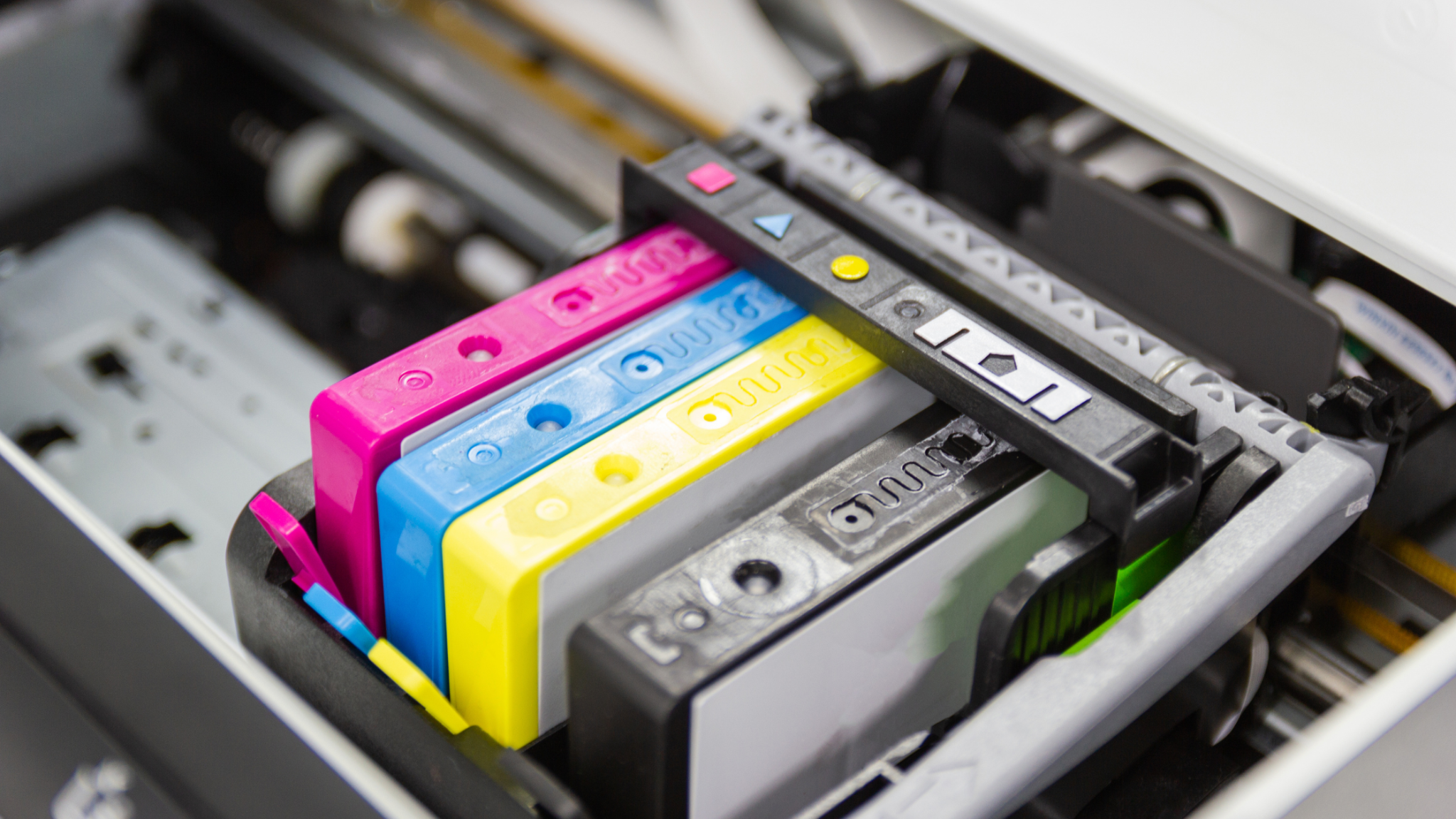
If you’ve ever winced at the price of replacement HP ink cartridges, you’re not alone. Printer ink is notoriously expensive, and for households, home offices, and schools that print regularly, those costs add up fast. The good news is that cutting printing costs doesn’t have to mean settling for smudged pages or faded colors. With the right approach to buying and using HP ink cartridges, it’s entirely possible to save significantly while keeping print quality sharp.
This guide walks through practical, proven ways to lower what you spend on ink without compromising on the results your printer produces.
Table of Contents
Why HP Ink Cartridges Cost So Much in the First Place
Understanding why ink is expensive helps explain where the real savings opportunities are. Printer manufacturers often price printers low and cartridges high, a business model sometimes compared to selling razors cheap and profiting from the blades. Original HP cartridges are engineered specifically for HP printer models, which supports consistent performance, but that engineering and brand premium is a major reason prices stay high.
This pricing structure is exactly why so many buyers now look at alternatives to original cartridges, without necessarily giving up reliable print quality.
Smart Ways to Cut Costs on HP Ink Cartridges
1. Consider Remanufactured Cartridges
Remanufactured HP ink cartridges are original cartridges that have been professionally cleaned, refilled, and tested to meet performance standards before resale. Reputable suppliers use quality control processes designed to match original print output, often at a fraction of the price of brand-new original cartridges. For everyday printing — documents, forms, school assignments — remanufactured cartridges frequently perform just as well as new ones, at meaningfully lower cost.
2. Buy High-Yield or XL Cartridges
Many HP ink cartridge lines offer high-yield or “XL” versions that hold significantly more ink than standard cartridges. While the upfront price is higher, the cost per page is usually much lower, since you’re replacing cartridges less frequently. If you print often, switching to high-yield versions of your cartridge model is one of the simplest ways to reduce your long-term ink spend.
3. Buy in Bulk When Possible
For home offices, schools, or small businesses that go through ink regularly, buying HP ink cartridges in bulk often unlocks lower per-unit pricing. Fixed-rate bulk pricing also protects buyers from price fluctuations that can occur with on-demand purchasing, making budgeting more predictable over time.
4. Match the Cartridge to Your Printer Model Exactly
One of the most common — and costly — mistakes is ordering the wrong ink cartridge. HP printers use specific cartridge numbers (like HP 902, HP 63XL, or HP 950), and even printers in the same product family can require different cartridges. Always confirm your exact printer model before ordering to avoid the cost and hassle of returns or reorders.
5. Take Advantage of Discounts and Loyalty Programs
Many ink suppliers offer recurring discounts for teachers, schools, nonprofits, or repeat customers, along with rewards programs that reduce costs over time. If you print consistently, signing up for these programs can add up to meaningful savings across a year.
6. Reduce Unnecessary Printing
This might sound obvious, but small habits make a real difference: printing in draft mode for internal documents, using print preview to avoid wasted pages, and adjusting default settings to black-and-white for non-photo printing all extend the life of your cartridges and delay replacement costs.
How to Maintain Print Quality While Saving Money
Choose Reputable Suppliers
Not all remanufactured or compatible cartridges are created equal. Quality varies between suppliers, so look for sellers who back their HP ink cartridges with clear quality guarantees, such as a money-back or satisfaction guarantee, and positive independent reviews. This reduces the risk of inconsistent print results.
Store Cartridges Properly
Ink cartridges can dry out or degrade if stored improperly. Keep unopened cartridges in a cool, dry place, and avoid exposing them to direct sunlight or extreme temperatures, which can affect ink consistency and print quality once installed.
Run Regular Printer Maintenance
Many printhead and print quality issues aren’t actually caused by the cartridge itself, but by a printer that needs cleaning. Running your printer’s built-in cleaning cycle periodically, and keeping printhead components free of dust, helps ensure consistent print quality regardless of which cartridge brand you use.
Don’t Let Cartridges Sit Empty Too Long
Leaving an empty or near-empty cartridge installed for extended periods can sometimes lead to drying or clogging issues. Replacing cartridges promptly when they run low helps avoid printhead problems that could end up costing more to fix than the ink itself.
Original vs. Remanufactured HP Ink Cartridges: What Actually Matters
| Factor | Original HP Cartridges | Remanufactured Cartridges |
|---|---|---|
| Cost | Higher | Significantly lower |
| Print quality | Consistent, manufacturer-tested | Generally comparable with reputable suppliers |
| Environmental impact | New materials each time | Reuses existing cartridge shells, reducing waste |
| Warranty/guarantee | Backed by manufacturer | Varies by supplier — look for money-back guarantees |
For most everyday printing needs — text documents, forms, school assignments, and general office use — remanufactured cartridges from a trustworthy supplier offer a strong balance of cost savings and reliable performance.
Frequently Asked Questions
Are remanufactured HP ink cartridges as good as original ones? For most everyday printing needs, remanufactured cartridges from reputable suppliers perform comparably to original cartridges, at a significantly lower price. Quality can vary between suppliers, so choosing one with a clear quality guarantee matters.
Will using non-original ink cartridges void my printer’s warranty? This depends on the printer manufacturer and specific warranty terms. In many cases, using compatible or remanufactured cartridges alone does not void a printer’s warranty, though it’s worth checking your specific warranty documentation.
How can I make sure I order the right HP ink cartridge? Check your printer’s model number and the cartridge number specified in your printer’s manual or settings menu. Ordering by exact cartridge number, rather than by printer name alone, helps avoid compatibility mistakes.
Final Thoughts
Cutting costs on HP ink cartridges doesn’t require sacrificing the print quality you rely on. By exploring remanufactured and high-yield options, buying strategically, choosing reputable suppliers, and maintaining your printer properly, you can significantly lower your ongoing printing expenses while still getting sharp, reliable results. For anyone who prints regularly — whether at home, in an office, or in a classroom — these small adjustments in how you buy and use HP ink cartridges can add up to real savings over time.